Product updates

Version 0.0.40

Choose your dictation language, manage your last budget, and use smoother budget navigation, search, and reminders.

Changes

  • Choose a dictation language during setup and change it later in Settings. Auto-detect and Moroccan Darija, English, Arabic, French, Chinese Simplified or Traditional, Indonesian, Korean, Brazilian Portuguese, Russian, Mexican Spanish, and Thai are available.
  • Manor keeps your chosen dictation language with each capture, preserves the original transcript, and writes generated expense notes in your selected interface language.
  • Delete your only budget when you no longer need it. Home then offers a clear way to create another budget, and invitations remain available.
  • Home shows personal and shared budgets in the order they were created.
  • Budget reminders pause when you have no budgets and can resume when a budget becomes available, without changing your notification preference.

Fixes

  • Creating, changing, or deleting a budget returns you to Home with the updated budget selection.
  • Quick Capture no longer opens a recorder when there is no budget to save an expense into.
  • Category icon search stays visible above the choices while the keyboard is open, and currency search starts fresh when its picker reopens.
  • Sheets, confirmation dialogs, and support and account-deletion actions fit more reliably around the keyboard and screen edges.
  • The Home capture area stays in the right position above the keyboard on iPhone and iPad.Platforms: iOS
Version 0.0.3

Budgets now support personal and shared spending. Saved captures can resume after a lost connection or app restart.

Changes

  • Create separate budgets for personal or shared spending.
  • Invite other people, assign roles, transfer ownership, and review budget history.
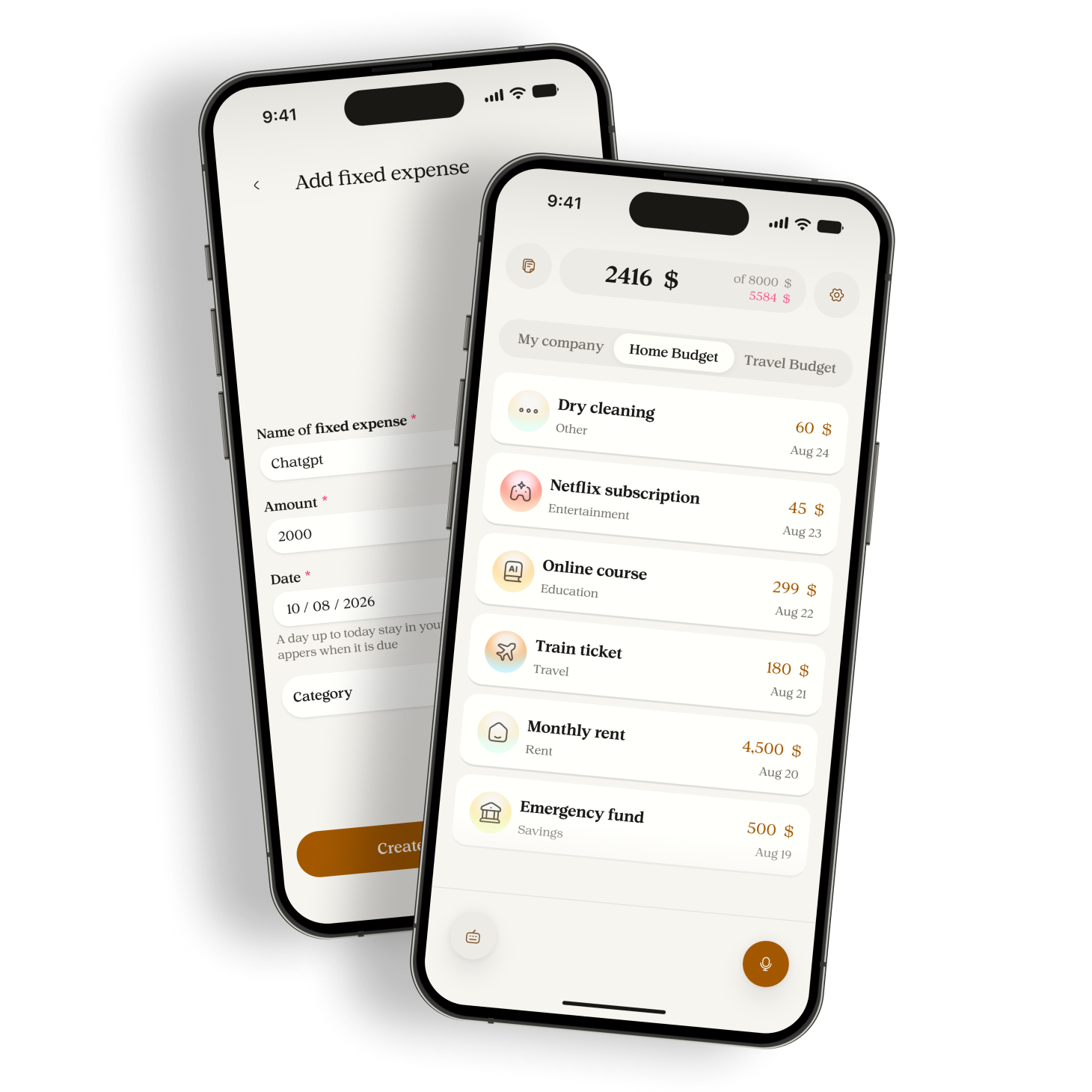
  • Add custom categories and monthly fixed expenses, then filter expenses by more than one category.
  • Choose one currency for each budget. Manor does not convert amounts between currencies.
  • Generate expense titles in the English or French interface language selected when capture starts.
  • Manor updated onboarding, Home, budgets, expense review, settings, search, forms, sheets, and pickers.
  • Follow the device light or dark appearance on Android and iOS.
  • Ask for permission before sending voice or typed expense data to Google Gemini.
  • Manor added account export and a resumable account deletion flow.

Fixes

  • Manor recovers saved and pending captures after a lost connection, app restart, or late server response.
  • Manor keeps each capture linked to its original budget through retries and corrections.
Version 0.0.2

Manor now flags possible duplicates and supports voice corrections. Each capture is processed only once.

Changes

  • Apply separate voice and typed limits, plus a daily limit for Gemini requests.
  • Explain why an expense needs attention and show both values when a capture contains more than one possible amount.
  • Detect possible duplicates and let you keep both expenses or remove the new one.
  • Correct recent expenses by voice and review the before and after values before saving.
  • Use one voice flow for a new expense, a correction, or a request that needs clarification.

Fixes

  • Manor processes each capture once and reports upload failures by their actual error type.
  • Manor discards silent or unusable recordings without creating an expense.
  • Manor keeps the original transcript when you edit an expense.
  • Manor applies stricter rules to amounts, labels, currencies, and unclear requests.

Ready to stop guessing?

Download Manor, say what you spent, and see your month with the details in front of you.