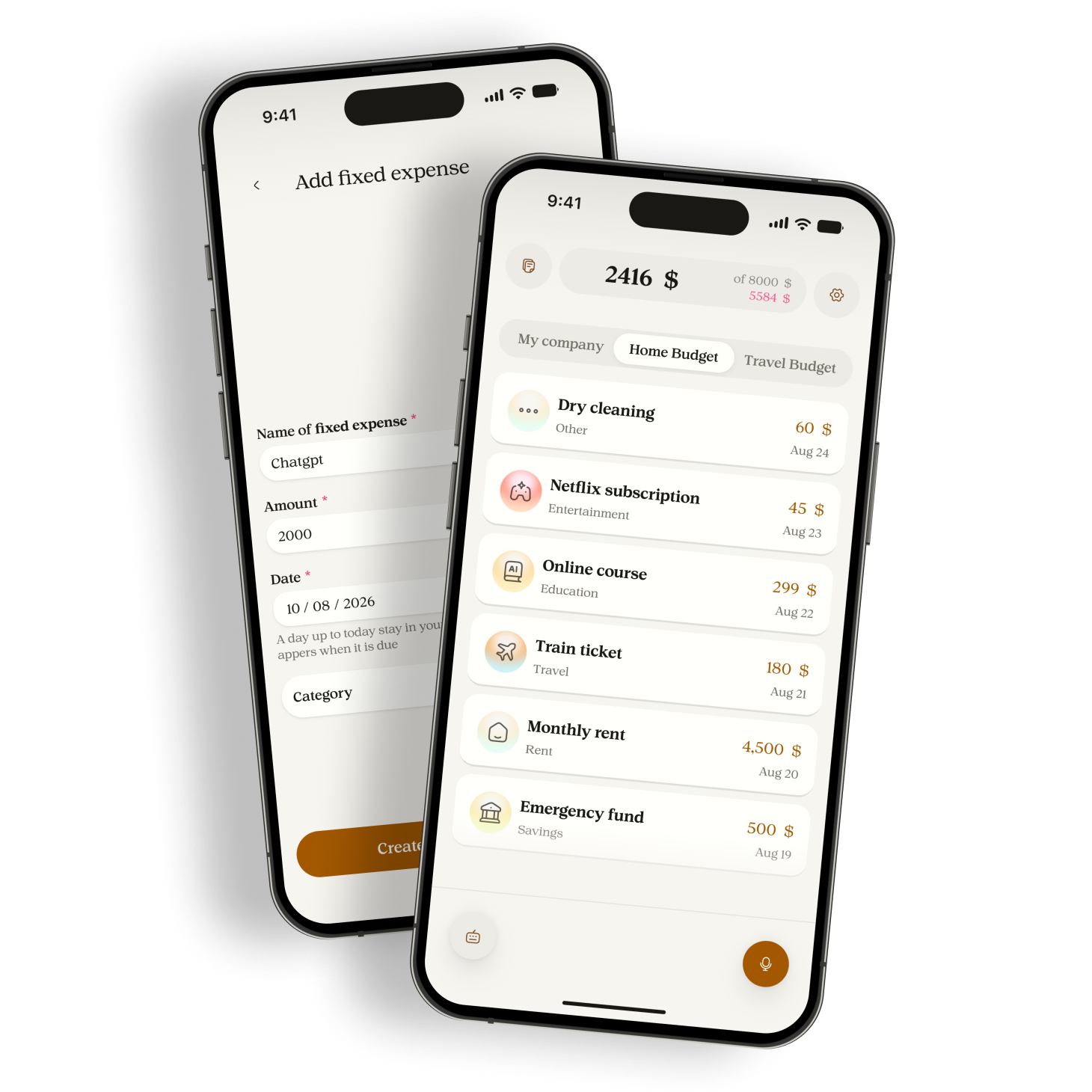
Premium plans, setup for returning users, read-only budgets after Premium ends, and clearer privacy choices.
This version is not available yet. Testing and store release are still pending.
Changes
- Choose a monthly or yearly Premium subscription. Each person has their own subscription. Joining a shared budget does not give you Premium.
- Buy Premium through the App Store on iPhone or at talktomanor.com for Android. Manage an existing subscription where you bought it. The app shows your verified plan.
- Switch an active monthly App Store subscription to yearly from the Premium screen. The change starts at the next renewal, with the date confirmed by Apple.Platforms: iOS
- Free includes 30 successful AI requests per calendar month, 1 editable budget of your own, 3 custom categories and 2 fixed expenses.
- Premium includes 300 successful AI requests per month, including on the yearly plan, and up to 5 budgets of your own. It also includes up to 1,000 custom categories and 1,000 fixed expenses across the budgets you own, shared-budget management and extra history filters.
- One request can create several expenses. Failed requests do not use your monthly allowance. Your plan screen shows your usage and the next reset.
- When Premium ends, the oldest budget you own stays editable on Free. Extra budgets become read-only, with their expenses and history preserved. Automatic fixed-expense entries pause in those budgets. Renewing Premium restores editing. Shared budgets follow their owner's plan.
- Sharing app usage statistics starts off. Manor asks once after sign-in if your account has no recorded choice. Declining leaves the app usable. You can change your choice in Settings.
- Turn expense processing off in Settings to stop new requests to Google Gemini. You can still read your notebook and keep unfinished notes. Your next voice note, typed note, correction or retry asks for permission again. A request already sent may still finish.
- Privacy choices belong to your account. Changes reach your other devices after they connect and receive the updated choice. Each iPhone keeps its own system microphone permission.
- Use the app in English, French or Arabic. Setup lets you choose your dictation language, currency, first budget and microphone button position before signing in.
- If you finish setup and sign in to an existing account, review the new budget before applying it. Keep your existing setup, update an owned budget on Free, or add a budget within your plan limit. Existing expenses and history stay saved.
- Set the current month's budget amount without replacing expenses or changing previous months.
- See your monthly budget, spending, remaining amount and category breakdown together. Move between months from the budget summary.
- Search expense notes across a budget's history. Premium adds filters for date range, categories, member, expense status and fixed expenses.
Fixes
- The expense input stays above the keyboard when you type on Home.Platforms: Android
- Fixed video playback errors during setup and when leaving a setup screen.
- Old default-on analytics settings and saved preferences can no longer count as permission or undo a later withdrawal.
- Turning expense processing back on does not send every old unfinished note. Choose the note you want to retry.
- New notes are saved before a permission check waits for a connection. Processing pauses when the session or account cannot be verified, and unfinished notes stay with their original account.
- The iPhone subscription screen no longer directs new purchases to the website. Existing website subscriptions remain supported, and Apple purchases can be restored. An existing subscription prevents a duplicate Apple purchase.Platforms: iOS
- Shared expenses kept in another person's budget show "Former member" after account deletion instead of the deleted person's name.
- A monthly price does not count as a payment today unless you say it was paid. For "Wifi 15 every month and Taxi 20", Manor suggests Wifi as a fixed expense and records only Taxi 20 as spending.
- Changing a history search or filter starts a fresh result list, so results from the previous search are not mixed into it.