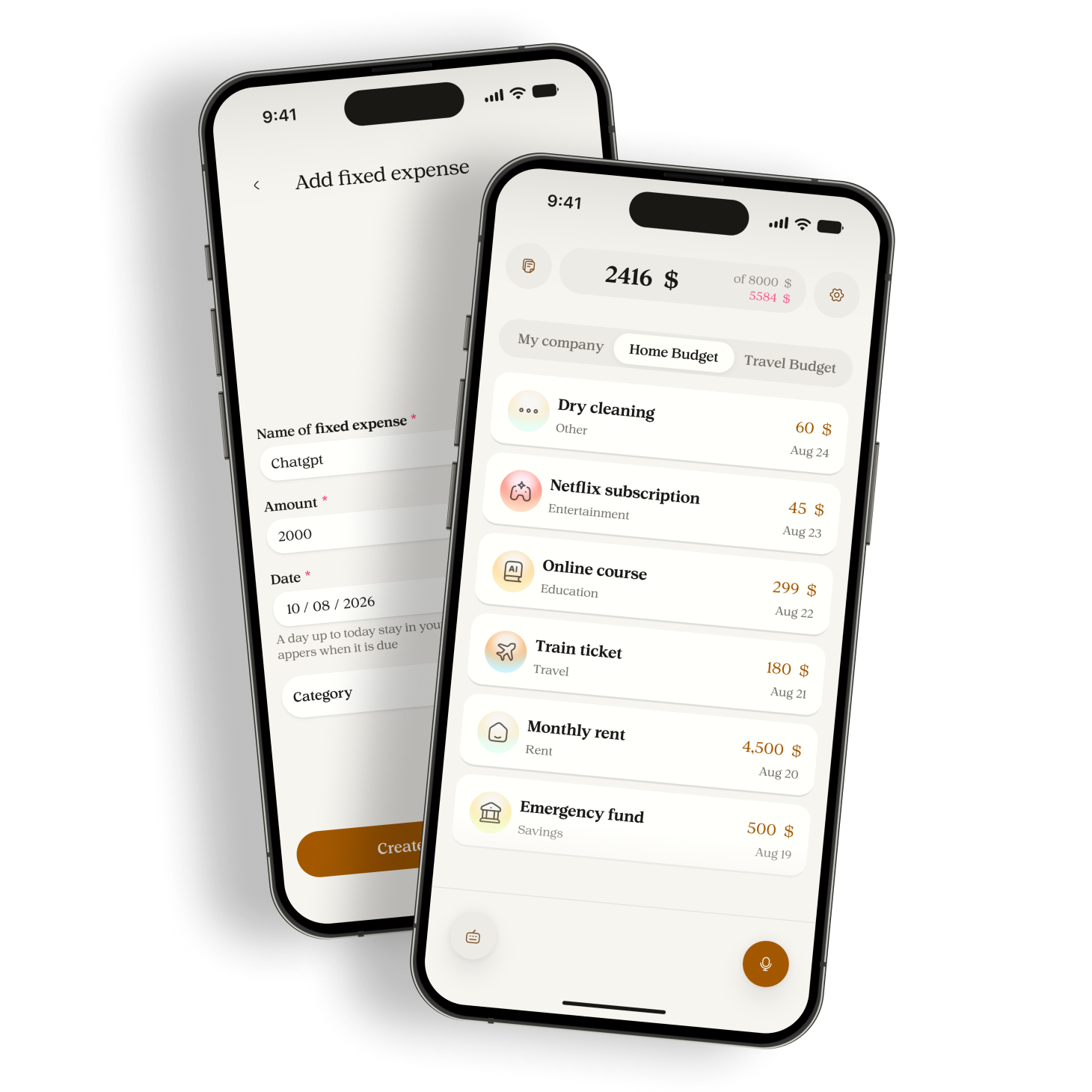
Use your voice or keyboard. Manor records the amount, category, and date, then updates your budget.


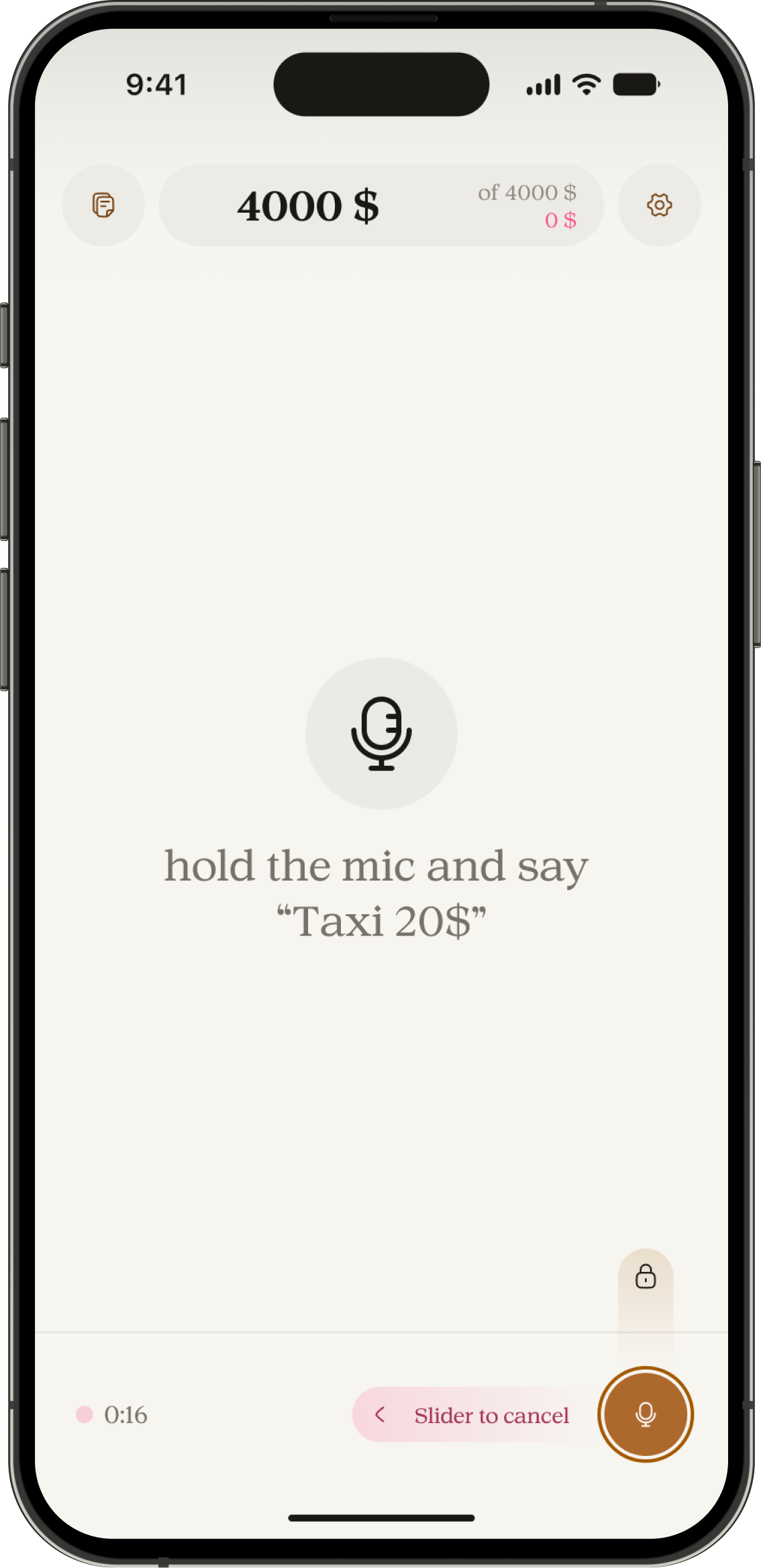
Speak it once
Say “groceries, 180$” and Manor records the amount, category, and date.
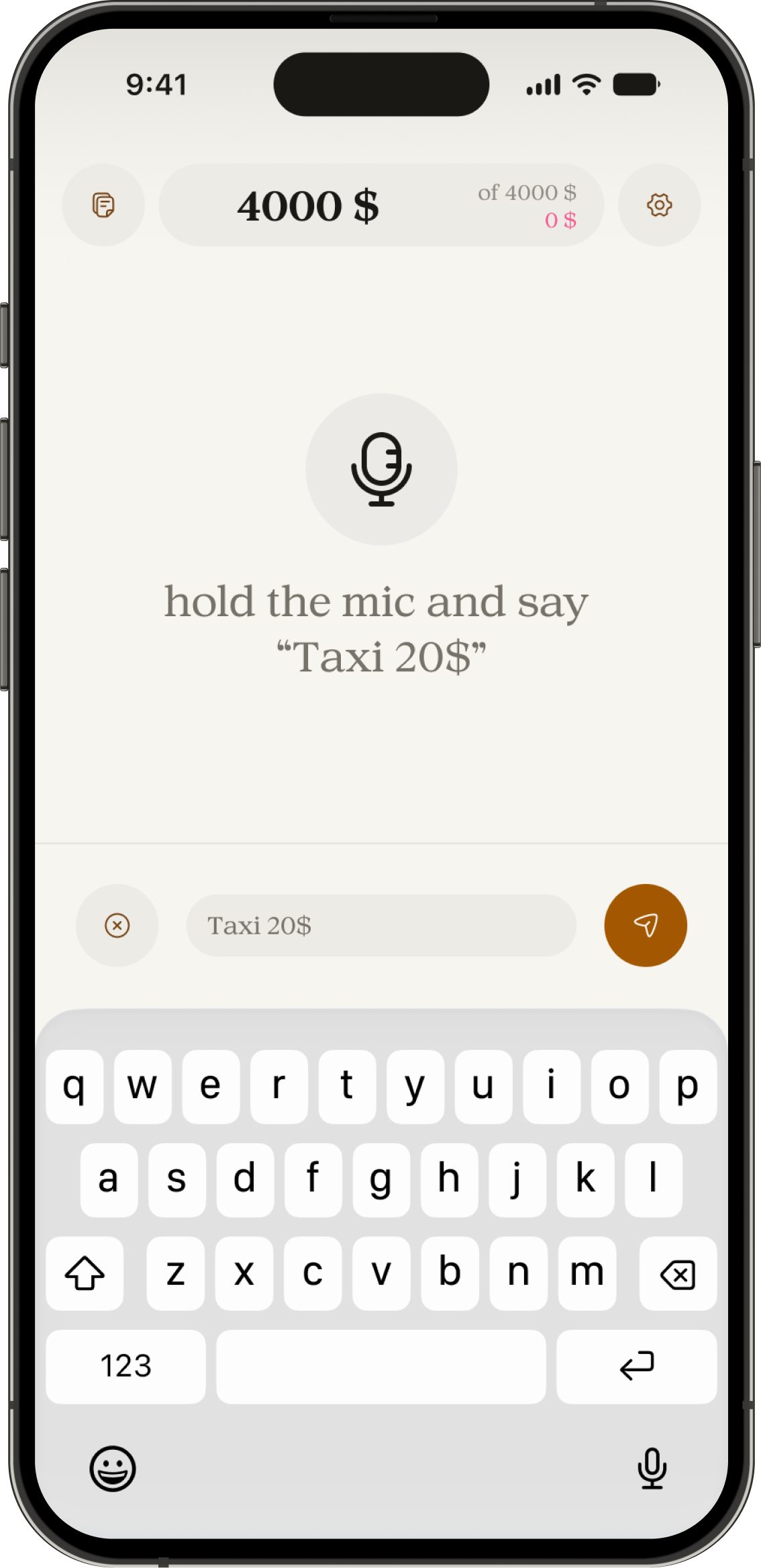
Type when you need to
Use the keyboard when voice is not the right fit.
Record several expenses
Mention multiple purchases in one voice note. Manor separates them into individual entries.
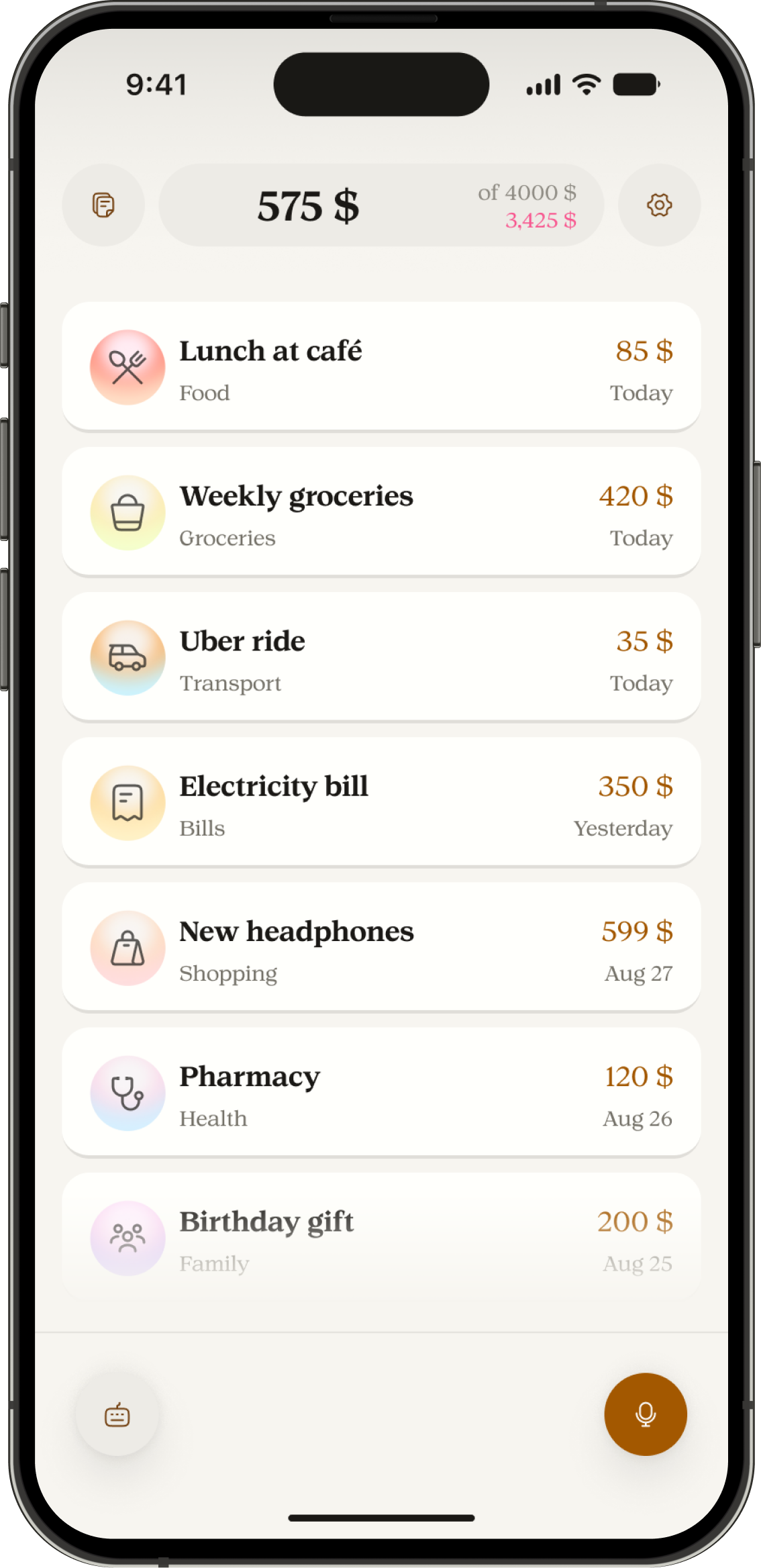
Record your next expense in seconds.


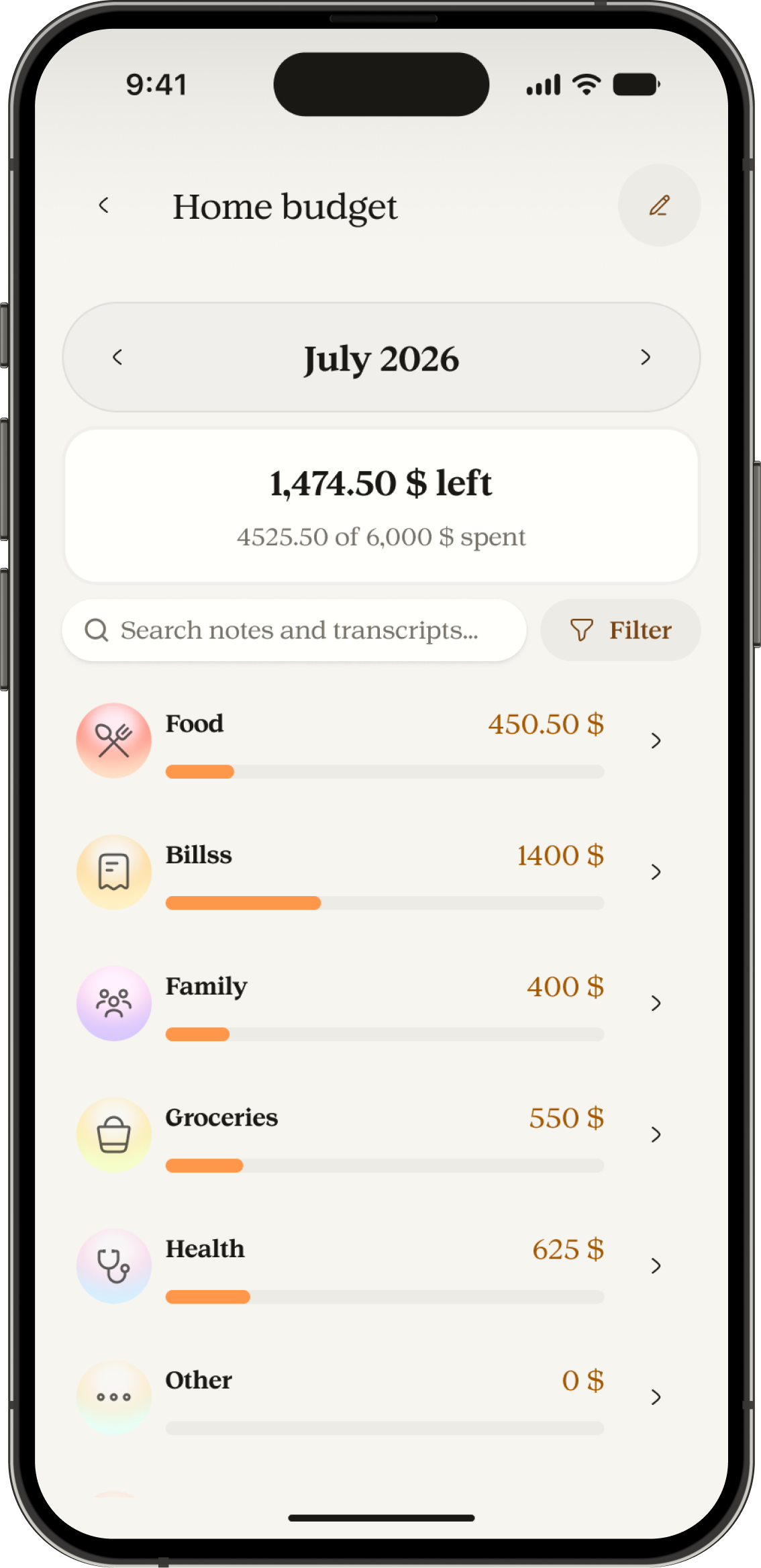
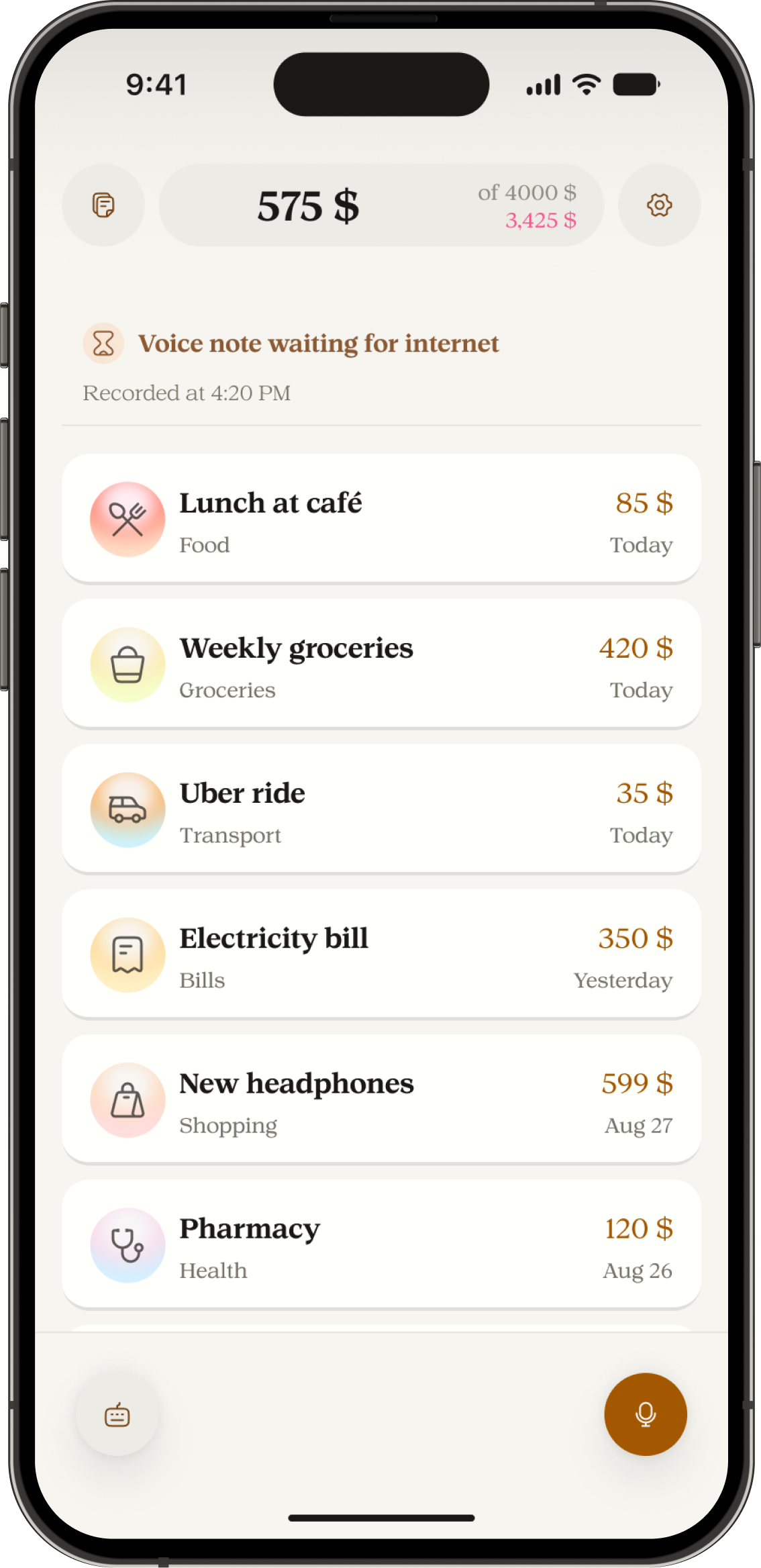
See your remaining budget
Set a monthly budget and see what remains after each expense.
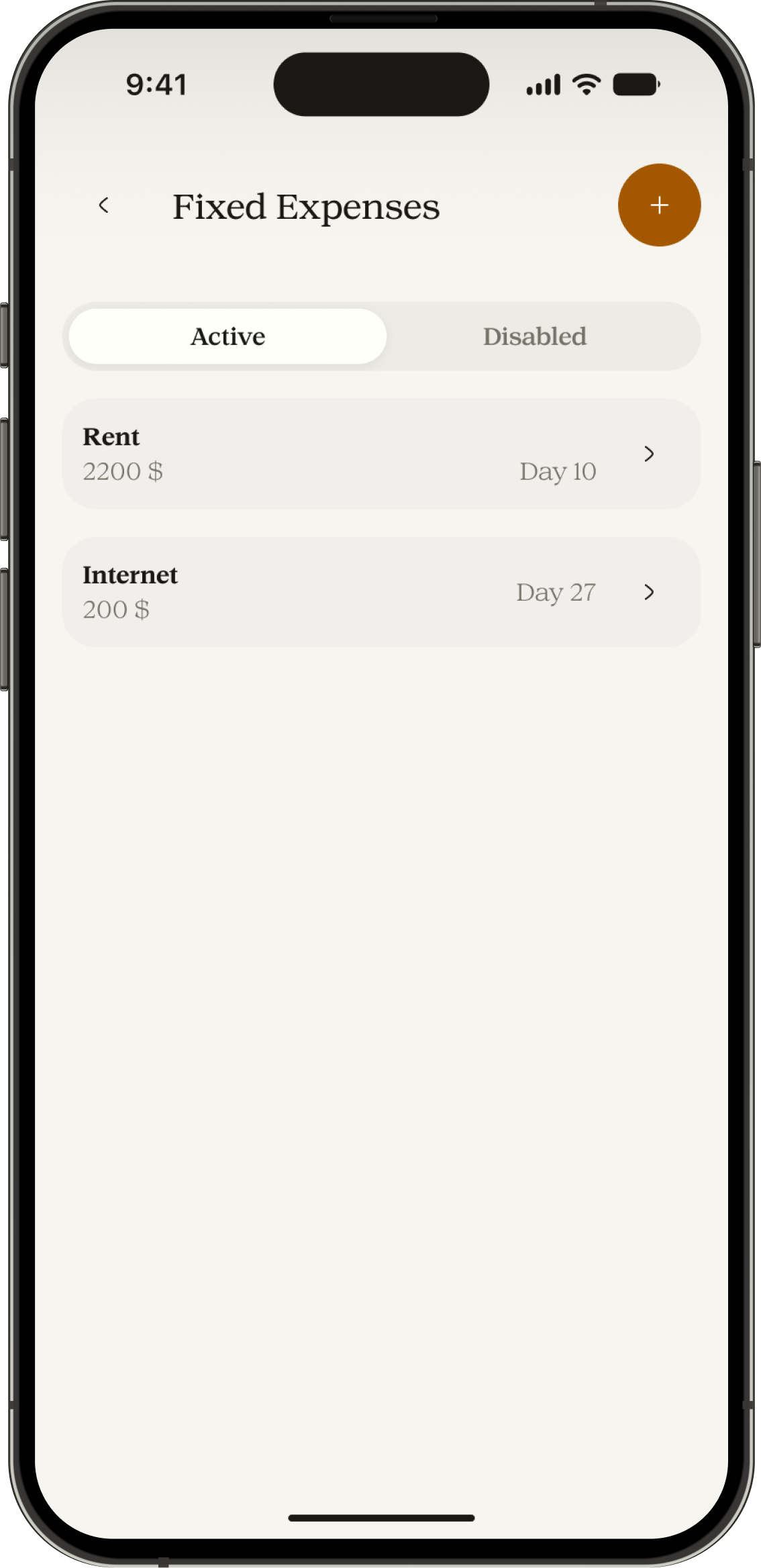
Set fixed expenses once
Add a fixed expense once. It appears in your journal on the scheduled date each month.
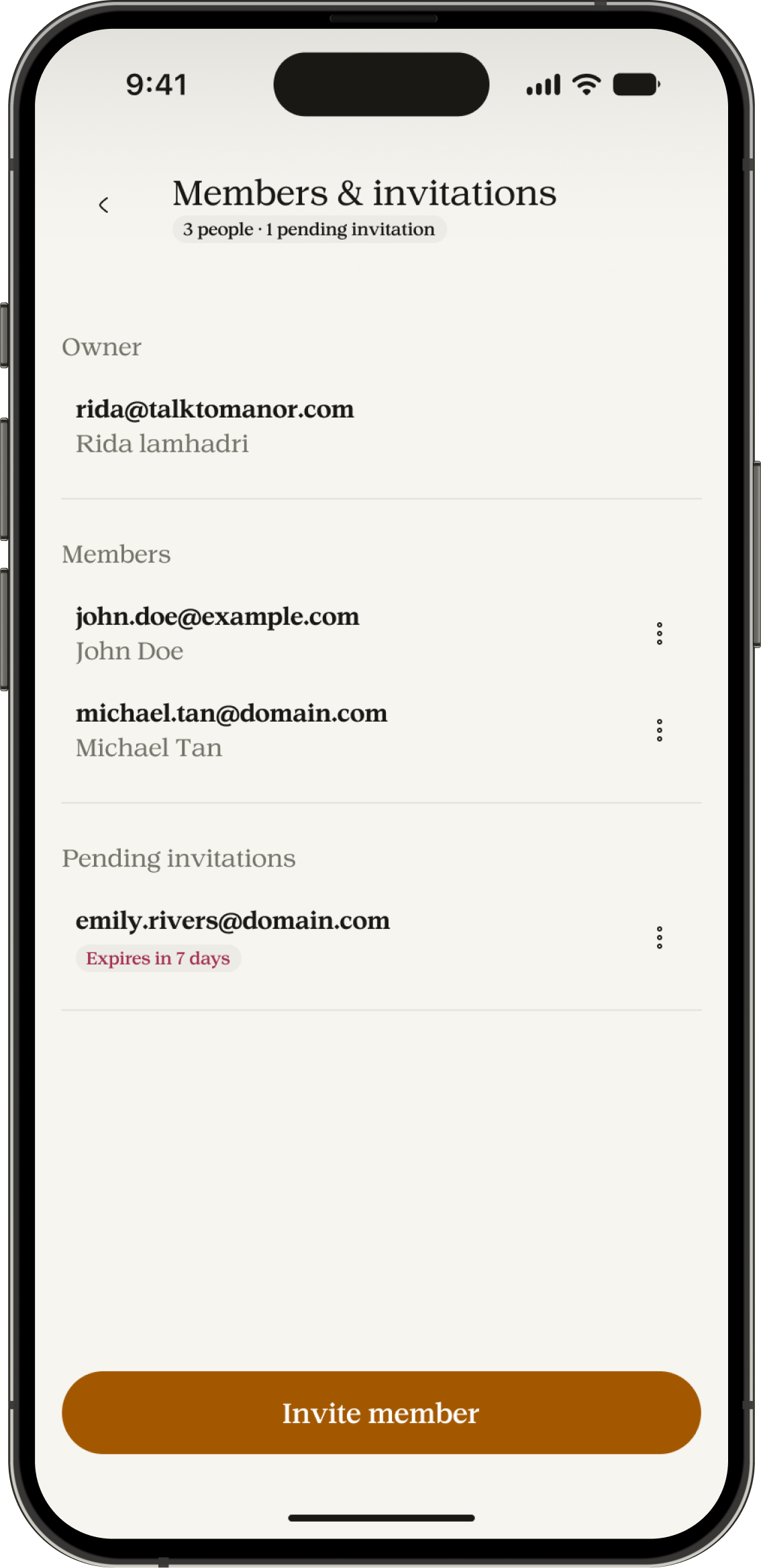
Share a budget
Invite the people you budget with. Everyone sees the same expense history.
See what you spent and what you have left.
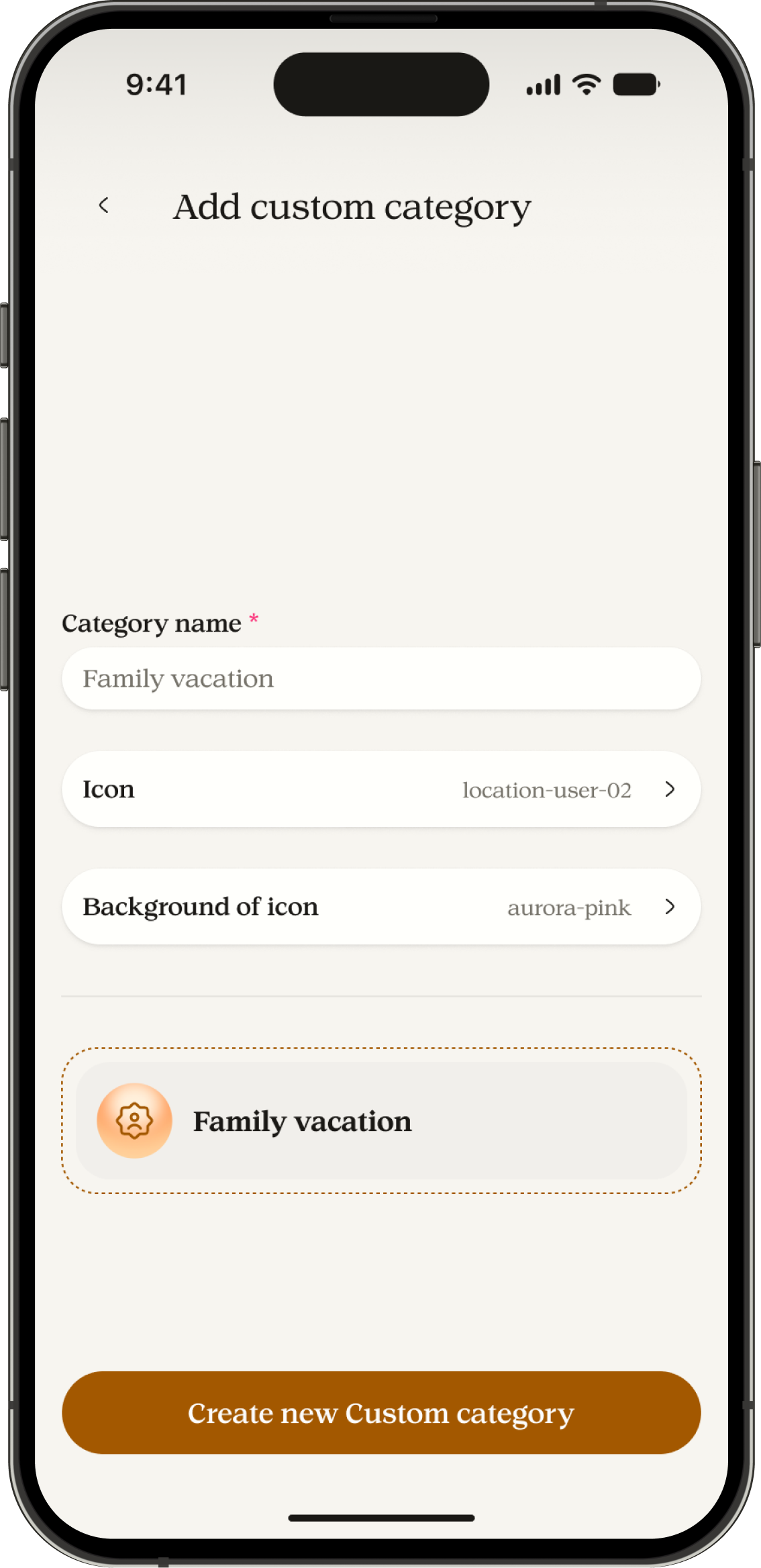
Use your own categories
Add custom categories that match the way you organize your spending.
Recover after a connection drops
Manor keeps your saved input and can resume processing later. A failed request does not erase what you said.
Review and correct
Open an expense to change its name, amount, category, or date.
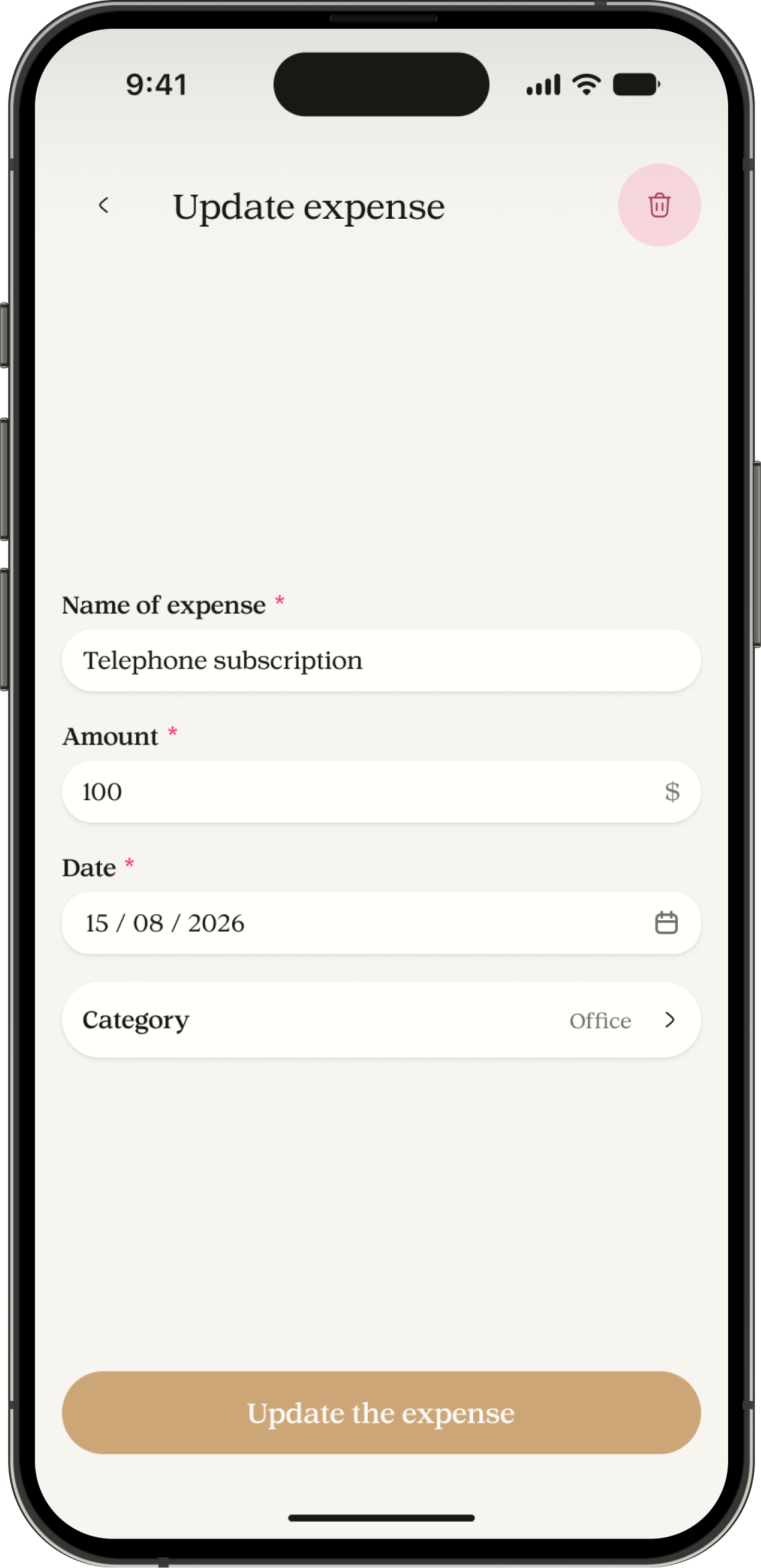
Keep every expense clear and up to date.

No advertisements.
Your journal is not a billboard.

Start on Free.
Upgrade only when Premium tools fit your budget.

No bank connection required.
Manor never asks to link an account.

No selling your information.
Your data isn’t a product.

Review your entries
Check your expenses and correct the entries you have permission to edit.

Your input is not silently lost
If processing fails or your connection drops, Manor keeps your saved input so you can try again.
Premium
For households and anyone managing more than one budget.
Premium starts with a paid subscription. Paddle handles website billing. Apple handles Apple billing.
- Everything in Free, plus
- Up to 5 personal and shared budgets combined
- 300 requests to Manor each month
- Create and manage shared budgets
- Up to 1,000 custom categories
- Up to 1,000 fixed expenses
- Advanced history filters
Free
For tracking your everyday spending.
$0 forever
- Record expenses by voice or text
- 1 personal budget
- 30 requests to Manor each month
- Join shared budgets
- 3 custom categories
- 2 fixed expenses
- Full history and export
What counts as an AI capture?
One voice note or typed request. A single capture can add several expenses.
Everything you need to know before you start.
Need more? Visit