Choose a notebook, spreadsheet, or expense app

Choose by how you record purchases, check totals, and keep your records. Test a small example before moving your whole notebook.
Choose a notebook if you want to write purchases on paper and accept doing the totals yourself. Choose a spreadsheet if you want to define your own columns and calculations. Consider an expense app if recording on your phone suits your routine and you accept its processing and storage terms. Test the method against your real needs before moving old records.
There is no universal winner. The useful comparison is whether you can record a purchase when it happens, find it later, correct a mistake, and explain the total. These are decision criteria, not claims about every product in a category. A particular spreadsheet or app still needs its own checks.
Start with the moment you usually miss
Think of the last purchase you forgot to record. Were you away from your notebook, unwilling to type, or unsure how to categorize it? Choose a method that addresses that specific problem. A more elaborate report will not reconstruct a purchase that you never captured, and extra columns can become a reason to postpone recording.
A paper notebook needs a date, a short description, an amount, and a currency to make a useful first record. A spreadsheet can use those same columns, but you must decide how to maintain formulas and copies. With an app, check the actual capture process and the result it saves. The daily recording guide helps you define the minimum entry whichever method you use.
Compare calculation and correction work
On paper, you can cross out an incorrect amount, write the correction, and recalculate. Decide how to keep the earlier value readable if you need that context. In a spreadsheet, test that your total includes newly added rows and excludes headings or summary rows. A formula is only useful if its range matches the records you intended to count.
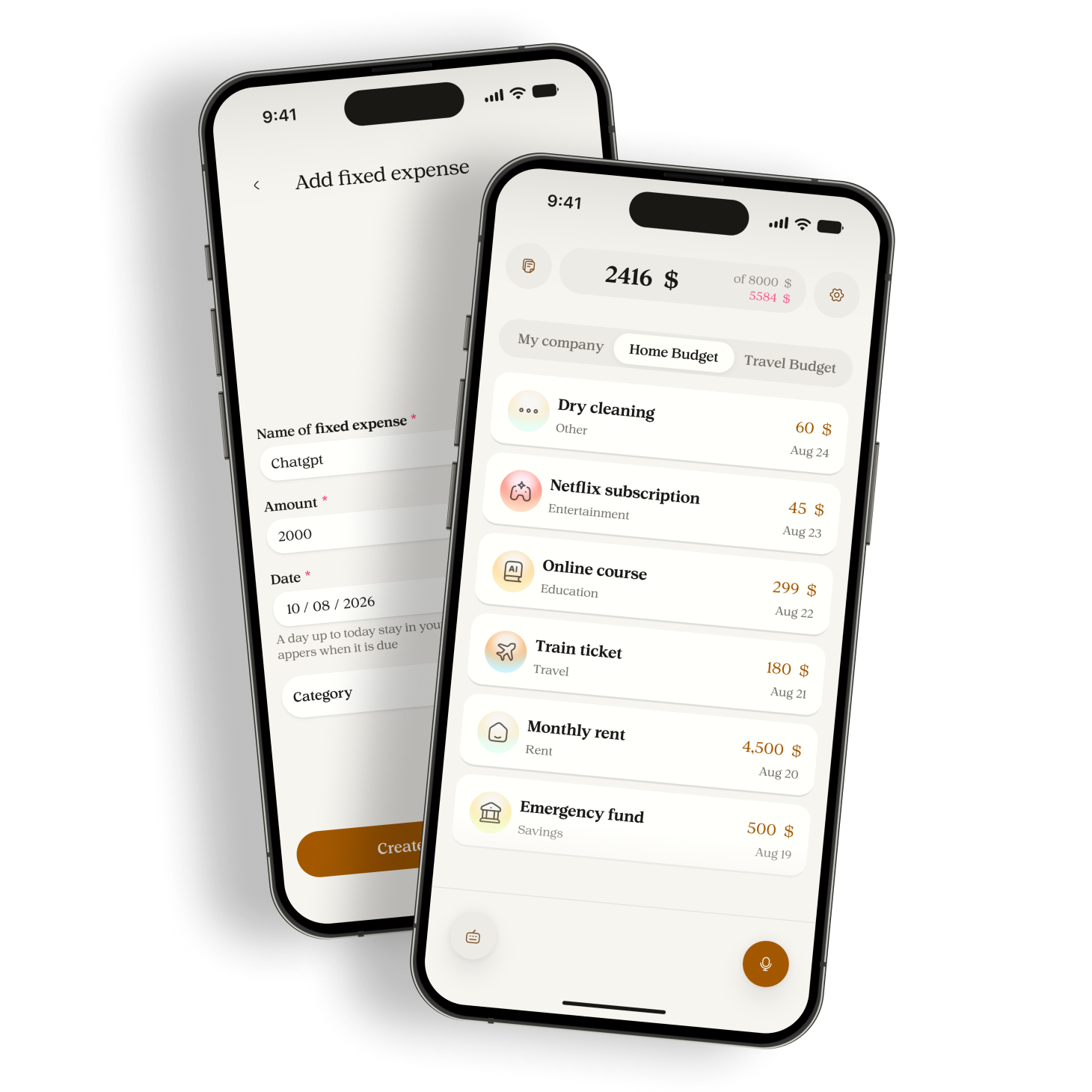
For an app, examine the fields you can review and the way corrections affect the total. Manor lets you review the purchase name, amount, date, and category. Its possible-duplicate notice still needs a decision. Keeping both leaves both amounts in the total. Confirming deletion removes the newer row and its amount. Do not treat an app total as proof that every underlying purchase is correct.
Try the same small example
Use an illustrative euro test with groceries at EUR 18, transport at EUR 7, and stationery at EUR 5. Each method should show three purchases totaling EUR 30. Put the date and currency beside the amounts. Then change the stationery amount to EUR 6. The correct total becomes EUR 31, and the change is EUR 1.
Next, repeat the EUR 6 stationery entry by mistake. Four rows now sum to EUR 37. Find the repeated record and remove only that extra copy; the result returns to EUR 31. This is a test you perform, not a measured benchmark. You are checking whether you understand the method's behavior and can recover from an ordinary error.
Do not convert this result into a claim about money saved or time saved. If typing feels awkward or a formula misses a row, write down the specific problem. You can change the capture method or simplify the sheet without claiming that all tools of that type have the same limitation.
Check privacy, access, and keeping a copy
Paper requires a place where other people will not casually read it and a plan if it is lost. A spreadsheet needs clear file locations and sharing settings. Check whether your chosen setup stores files locally or syncs them. For an app, read its disclosure and privacy policy before entering sensitive purchase details.
Manor sends recordings, typed notes, and relevant budget and recent-expense context to Gemini for interpretation. Transcripts remain stored, and audio can remain while an amount needs resolution. The voice expense privacy guide explains those distinctions. Check export availability on your installed route too. The expense export guide distinguishes the legacy monthly CSV from the separate account archive.
Keep the trial within the features you can use
For a Free Manor trial, one owned budget, three custom categories, and two fixed templates are the relevant limits. You do not need advanced history filters or a shared household workspace to compare personal capture methods. Do not build a trial that depends on a paid feature, automatic bank import, or automatic currency conversion.
Try the chosen method during an ordinary week to assess usability. That does not establish your full monthly spending pattern. The CFPB spending-tracker guidance recommends at least two weeks or a month of records before examining patterns. Its US guidance supports that general recording approach, not a product ranking or local legal conclusion.
Decide using your own trial notes
- Record the same minimum details for each purchase. Note where you delayed or abandoned an entry.
- Correct an amount and a repeated row, then check the expected total in one currency.
- Find a past entry and inspect how you would retain a usable copy. Do not assume an export can be imported back into an app.
- Review cost, privacy, and access requirements. Choose the method whose remaining work you are willing to do regularly.
Sources
Related reading
Use an expense CSV export without changing the numbers
Keep the original export, inspect its columns and decimal format, then check a small total before using the file in a spreadsheet.

What to check before recording expenses by voice
Know what leaves your phone, what Manor retains, and which purchase details you can omit before recording or typing an expense.