How to track daily spending without a long catch-up session

A practical recording routine for everyday purchases, with a small checklist for missed expenses, dates, and corrections.
To track daily spending, record each purchase while you still know what it was. An amount alone is hard to interpret later. A short note such as "bus 3.50 today" gives you a purchase, a price, and a date to check.
Start with one place for new purchases
Choose a notebook, a spreadsheet, or an expense app. Keep using that place during your trial week. If lunch goes into a phone note and transport goes into a spreadsheet, your evening check has to reconcile both.
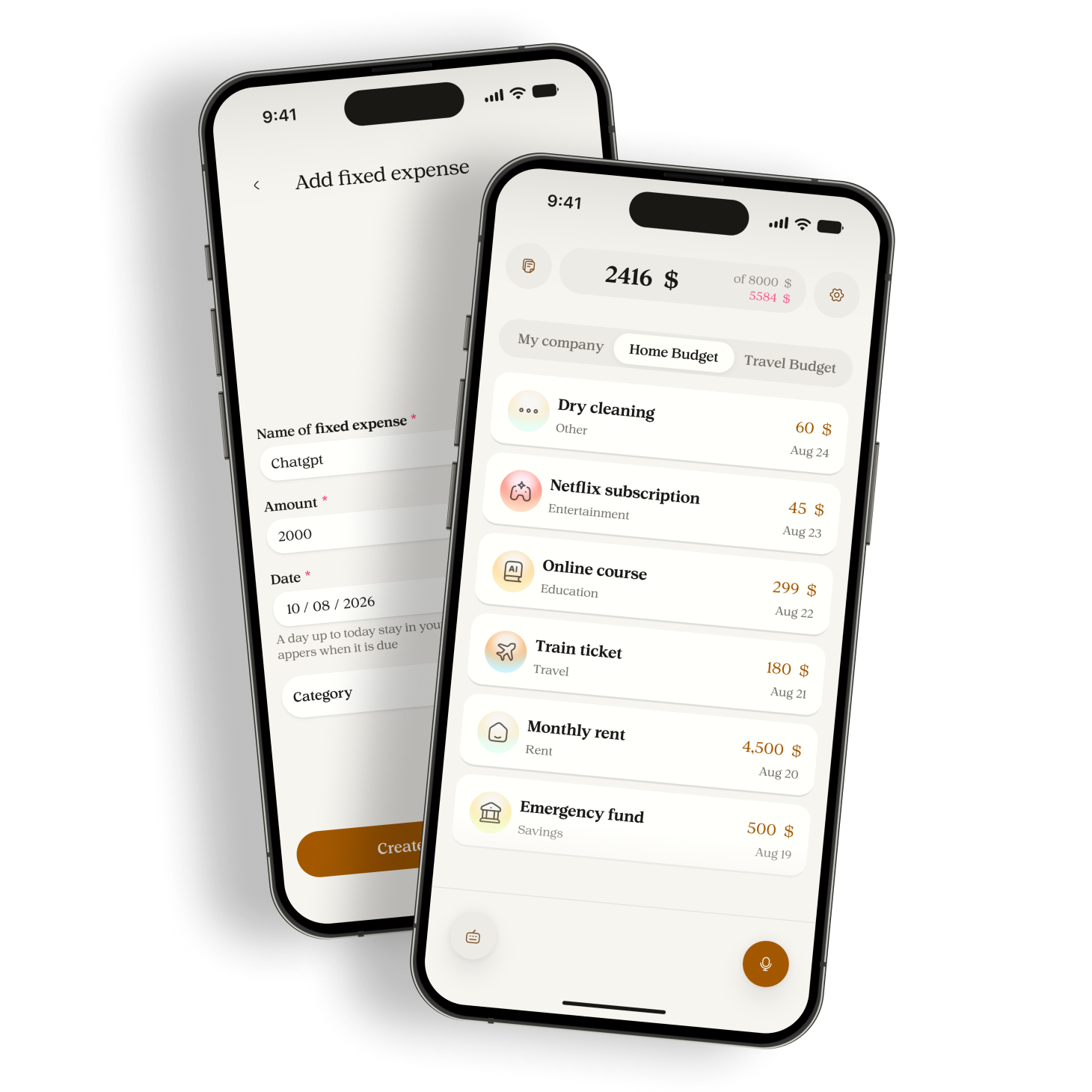
Before the first entry, decide what you are recording. A personal lunch and a household grocery shop may belong in different budgets. In Manor, check the selected budget and its currency before recording or typing a purchase.
Use a short, repeatable description
Name the purchase and its amount. Add the date when it was not today. For example, "groceries 24 yesterday" is easier to check against a receipt than "shopping last time". These are sample amounts, not suggested prices or spending limits.
- Open the place where you record expenses.
- Enter the purchase and its amount. In Manor, you can hold the microphone to speak or use typed capture.
- Read the resulting entry. Check the amount, date, category, and selected budget.
- Correct an error before moving on. Do not record the whole purchase again just to fix one field.
Give missed purchases a small daily check
Choose an existing moment, such as putting your keys away at home. Look at your receipts and recent payments, then compare them with your notes. A purchase can be missing even when the day total looks plausible.
If you cannot remember an amount, check the receipt or payment record. Leave the uncertainty visible until you can resolve it. A guessed number makes the total look more complete than the information behind it.
The CFPB spending tracker recommends keeping receipts or writing down purchases when a receipt is unavailable. Use those records to verify your entries, rather than treating your memory as a receipt.
Restart after a gap without inventing a history
If you missed several days, start with purchases you can verify. Record them on their actual dates and check that they are not already present. Resume the routine today even if an older gap remains. Note which dates are incomplete when you review the month.
In Manor, processing voice and typed capture uses Google Gemini after permission. Read the privacy information before using it. Avoid adding account numbers or other details that are unnecessary to identify a purchase.
Try one ordinary purchase in Manor, then check the saved entry against what you paid. Use the website download page for the current Android and iOS test destinations.
Sources
Related reading
Track cash spending without connecting a bank account
Keep a usable record of cash purchases, avoid counting withdrawals twice, and understand what a manual expense app can tell you.
A monthly spending review that starts with your records
Check missing purchases and category totals before comparing your actual spending with your plan for the month.