Track cash spending without connecting a bank account
Keep a usable record of cash purchases, avoid counting withdrawals twice, and understand what a manual expense app can tell you.
You can track cash spending by recording purchases yourself. You do not need a bank connection for that record. You do need a clear rule about what counts as spending, especially when you withdraw cash and later use it for several purchases.
Record the purchase, then avoid a second count
Imagine you withdraw 100 and use 18 for groceries and 7 for transport. In a purchase-based expense notebook, the purchases total 25. If you also enter the withdrawal as a 100 expense, the record shows 125 even though you have only identified 25 of purchases. Any withdrawal fee is a separate cost.
This example is about a personal spending record, not a complete accounting system. Moving money into your wallet changes where the money is. It does not identify what you bought. Decide how your notebook treats withdrawals before entering them.
Use the receipt or write a useful note
Record the amount you paid and a description you will understand next week. A note such as "market vegetables 18" is more useful than "cash". If the receipt includes several items that you want to classify separately, check that the parts add up to the amount paid.
When there is no receipt, write the amount and purchase while you remember them. The CFPB spending tracker includes this approach. Keep a separate note when you are unsure, rather than quietly changing the number to make a wallet balance match.
Check your wallet without hiding a difference
- Write down the cash you had at the start of the check period.
- Add cash you received or withdrew during that period.
- Subtract the cash purchases you recorded.
- Compare the result with the cash in your wallet. Investigate a difference using receipts and your notes.
For example, 40 at the start plus 100 withdrawn, minus 25 of cash purchases, leaves an expected 115. A gift of cash or money handed to someone else also changes the wallet balance. A spending total alone cannot explain every movement of money.
What no bank connection means in Manor
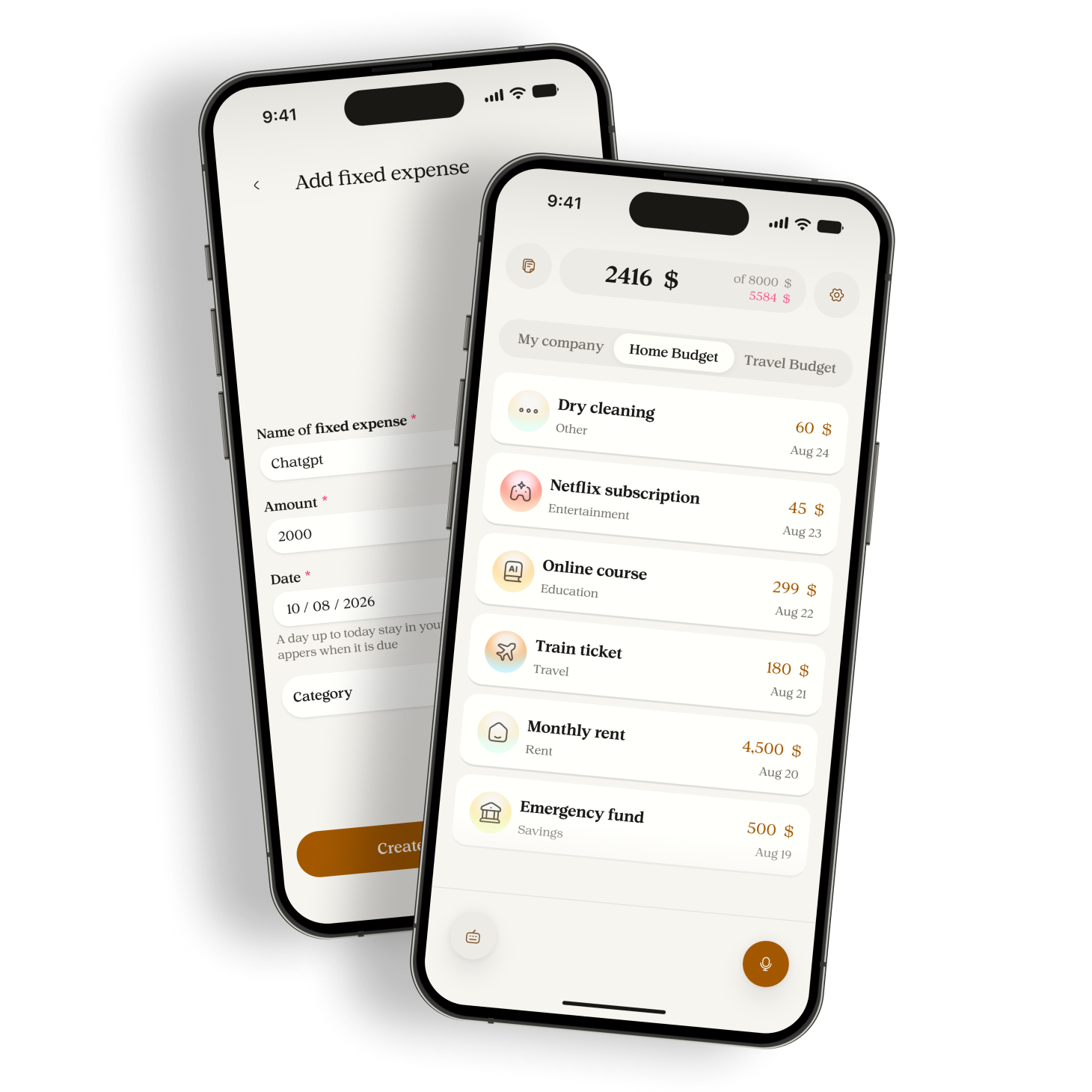
Manor does not require you to link a bank account. You record or type your expenses and check the resulting entries. It will not reconcile a missing purchase against your bank statement for you. A complete-looking total still depends on what you entered.
No bank connection does not mean all processing stays on the device. Manor uses Google Gemini to process voice recordings and typed notes after permission. Read the privacy policy and keep unnecessary banking details out of your notes.
Use one currency for each budget. If you paid in a different currency, check the amount in the budget currency yourself before entering it. Do not assume a voice note performs an exchange-rate conversion.
Try recording your next cash purchase in Manor and compare the saved amount with your receipt. Use the current download links on this website when you are ready to try the app.
Sources
Related reading

How to track daily spending without a long catch-up session
A practical recording routine for everyday purchases, with a small checklist for missed expenses, dates, and corrections.

A monthly spending review that starts with your records
Check missing purchases and category totals before comparing your actual spending with your plan for the month.