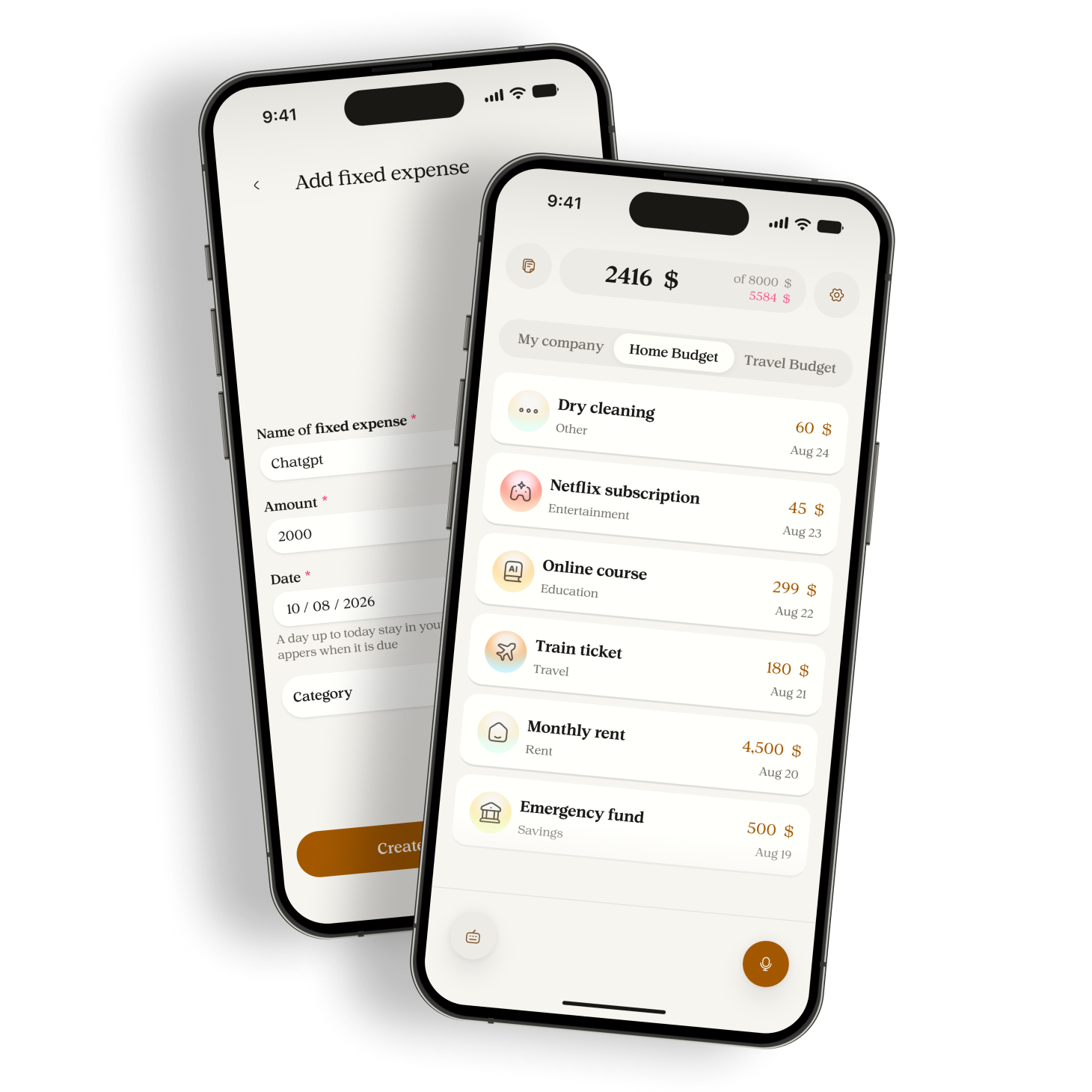
How to record several expenses in one voice note

Give each purchase its own amount, check the resulting entries, and handle missing amounts or corrections without duplicating your spending.
A single Manor voice note can contain several expenses. Give each purchase its own amount, then check the separate entries after processing. This is useful when you remember several purchases together, but the recording is still only input. The resulting amounts and dates need your attention.
Separate the purchases in your sentence
For an example budget in one currency, say "coffee 4, groceries 23, bus 3". There are three named purchases and three amounts. Avoid "coffee and groceries 27" unless you mean one combined expense. That sentence does not say how much each purchase cost.
A brief pause between purchases makes your own review easier. You do not need to add account numbers, a full address, or the names of other people. Use only the detail that helps you recognize the expense.
Check the budget, currency, and dates first
Before recording, look at the selected budget and its currency. Keep purchases for a different budget separate so you can check where they belong. Manor does not convert spoken foreign amounts into the budget currency.
If a purchase was yesterday, say so next to that purchase. For example, "bus 3 yesterday, coffee 4 today" states two dates. When a date is missing, Manor normally uses the capture date. Check the saved dates when entering older purchases.
Review each resulting entry
- Count the purchases you named and compare them with the saved entries.
- Check every amount against your receipt or payment record.
- Read each description, date, and category. A correct total can still hide two incorrect entries.
- If an amount is missing or unclear, open that entry and supply the verified amount. Do not guess it.
The example above totals 30. A total of 30 would also result from coffee 5 and groceries 22 with bus 3, so the total alone does not prove the note was understood correctly.
Correct an entry without repeating the batch
If one purchase is wrong, edit that expense. Recording the whole note again can create duplicates. Manor also has a recent-capture voice correction flow that presents a change for confirmation. When several expenses came from the same capture, choose the intended expense before applying a correction.
A statement such as "internet 30 every month" describes a recurring commitment. It is different from "paid internet 30 today". Keep a monthly schedule separate from a payment unless you intend to record both and check the result.
Use typing when speaking is inconvenient
A noisy place, a shared room, or an unclear number can make voice entry awkward. Type the purchases instead, then apply the same checks. Processing in Manor uses Google Gemini after permission. Voice capture is not a promise that every accent or sentence will be understood correctly.
Try a short note with two purchases in Manor. Compare both entries with what you intended before using longer notes. Current Android and iOS test links are on the website download page.
Sources
Related reading

Track cash spending without connecting a bank account
Keep a usable record of cash purchases, avoid counting withdrawals twice, and understand what a manual expense app can tell you.

How to track daily spending without a long catch-up session
A practical recording routine for everyday purchases, with a small checklist for missed expenses, dates, and corrections.